Day 1:
- Things Beginners Want to Know How To Do video tutorials
- Touch up photos
-
-
-
- Understanding Layers
- Crop photo
- Exposure and color
- Removing object from photo
- Removing object with quick select tool
- Adding image to different background
- Real or Fake?
- Export your design and upload to your padlet and reflect.
-
-
Days 2-6
- Showcase three effects: Low poly geometric effect & background changes & particle dispersion effect
- Low poly geometric effect – long
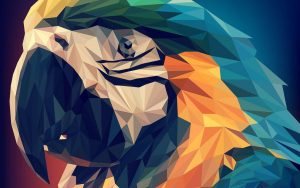
- Student example – Low poly geometric effect
- Background removal and changes – great Photoshop tutorials on his channel
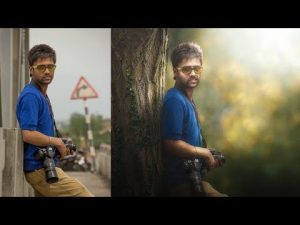
- Student example – Background changes
- Particle dispersion effect – long
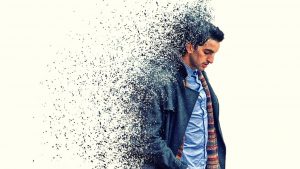
- Particle dispersion effect – short
- Student example – Particle dispersion effect
- Pick a picture you can alter.
- Open photoshop and follow one of the above tutorials.
- At the end of each day, be sure to take a screenshot of your work so far and reflect on your padlet. It would be great if you can show the progression of your project on your padlet.
- Also be sure to save your work in photoshop under your folder on your computer.


